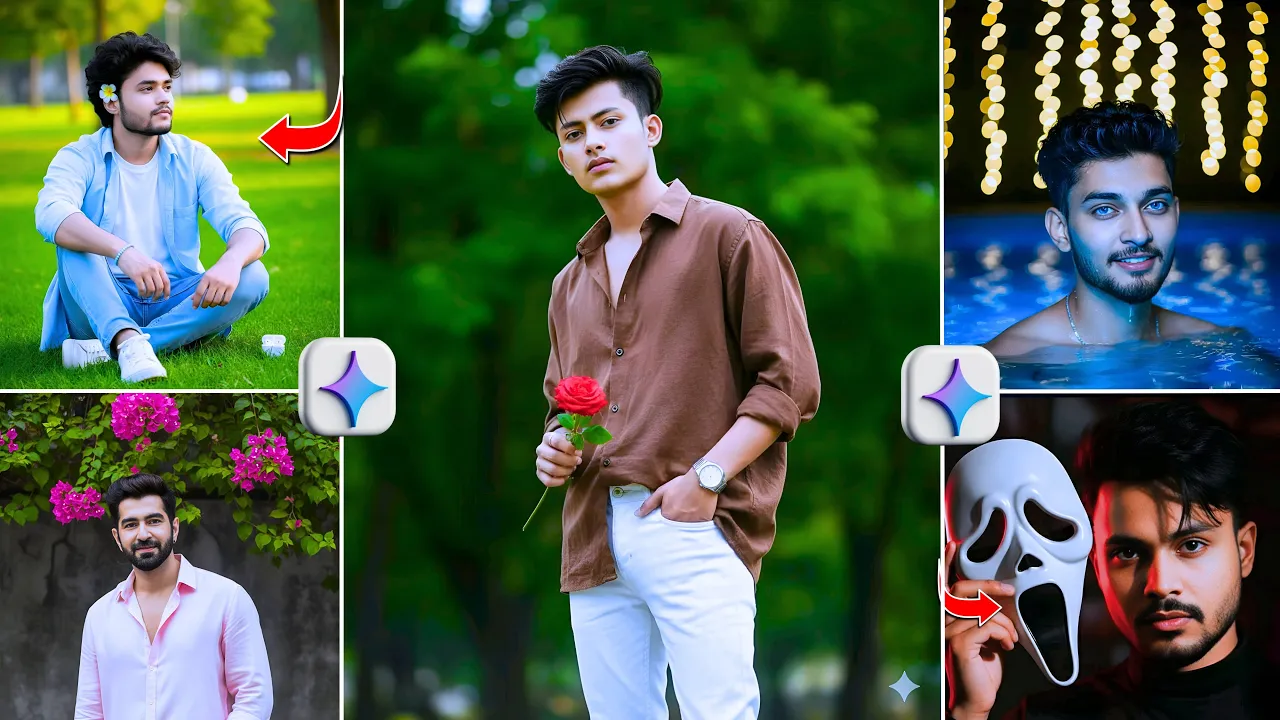
How to Create Trending AI Photos with Perfect Face Match in One Click
Hey guys! You must have seen these trending AI-generated photos all over Instagram and other social media platforms. These photos are going viral right now — and the good news is, you can create them too with just one click using a free AI tool. In this post, I’ll walk you through the full process step-by-step and share all the prompts you need to generate your own perfect AI photos!
Step 1: Open Google’s Official AI Tool
First, open your Chrome browser and go to the search bar. Type “Google AI” and hit search. The first result will be the official Google AI tool. Click on it to open the platform.
In the top corner, you’ll find the option to sign in. If your credits run out, no worries — just sign in again using a different Gmail account to continue generating images.
Step 2: Set Up Your AI Image Generator
Once you’re logged in, look for the three-dot menu or an adjust option. Click there and choose the “Create” or “Generate” option. Now, click on the “+” icon to start uploading your photos.
From the upload options, select “Photos & Videos”. Choose one of your selfies — make sure your face is clearly visible in the image. This will help the AI accurately match your facial features in the generated results.
Step 3: Use AI Prompts to Create Trending Photos
Next, you’ll need to enter a prompt — a short text description that tells the AI what kind of image to create. I’ve shared all the prompts in the video, but you can simply take a screenshot of them or copy them directly from the screen.
Once you’ve copied a prompt, paste it into the AI tool’s text box and hit “Generate.” That’s it! The AI will process your photo and start creating stunning, realistic images where your face matches perfectly with trending styles — like travel couple photos, cinematic portraits, fantasy looks, and more.
If you’re new to using prompts, here’s a tip: open Google Bard or ChatGPT and ask them to generate creative photo prompts based on your style idea (for example, “couple photos in Paris” or “cyberpunk portrait”). You can then copy and use those in the AI generator as well.
Step 4: Download Your AI Photos
Once processing is complete, you’ll see your generated images appear on the screen. Click on any photo to open it, and you’ll see a Download option. Tap on it to save the photo to your device.
The results are truly amazing — the AI matches your face 100% accurately with different looks and styles. Whether it’s couple photos, cinematic shots, or fantasy portraits, each one comes out beautifully realistic.
Bonus Tip: Make Your AI Photos Go Viral
After downloading your images, try uploading them to Instagram or TikTok using trending hashtags like #AICouplePhoto, #AITrend, or #AIEdits. These hashtags are helping creators get millions of views. You can also enhance your photos using free apps like PhotoRoom or Canva before posting.
Final Thoughts
That’s it for today’s tutorial, guys! Now you know exactly how to create viral AI photos with perfect face matching using Google’s free AI tool. Make sure to watch the full video carefully so you don’t miss any of the prompts or steps.
If you found this guide helpful, don’t forget to subscribe to the channel and stay tuned for more trending AI editing tutorials. See you in the next post!
External Resources:
- Google AI Official Website
- Google Bard for AI Prompts
- PhotoRoom – AI Background Editor
- Canva – AI Design & Photo Editing Tool
Tags: #AIPhotoEditing #GoogleAI #AICouplePhotos #AIEdits #InstagramTrends